
Before you begin
Ensure that you have registered a mobile number.
Setting up 2FA with SMS
-
On the AMS menu, click your username.
-
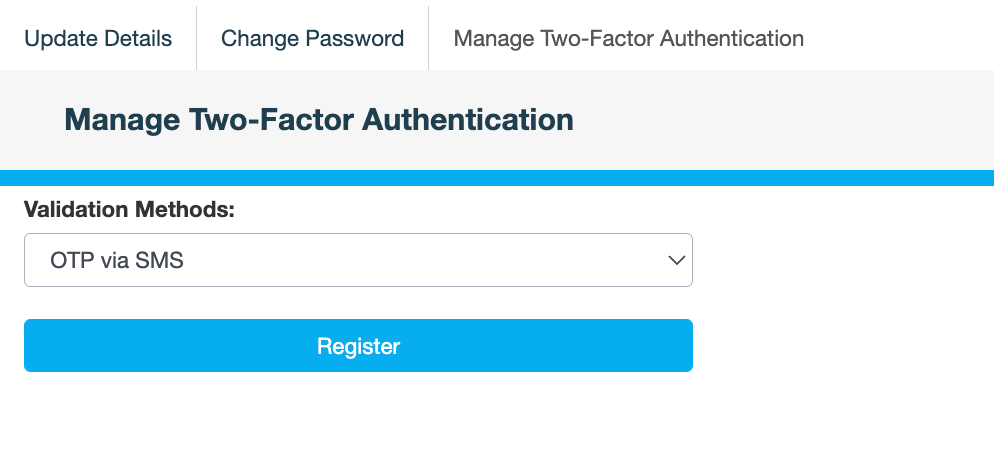
On the Manage Two-Factor Authentication tab, select OTP via SMS, then click Register.
If you haven't registered a mobile number on your account, the following message is displayed:
Requires Mobile Number to be set
Please add a mobile number before returning to step 1.
-
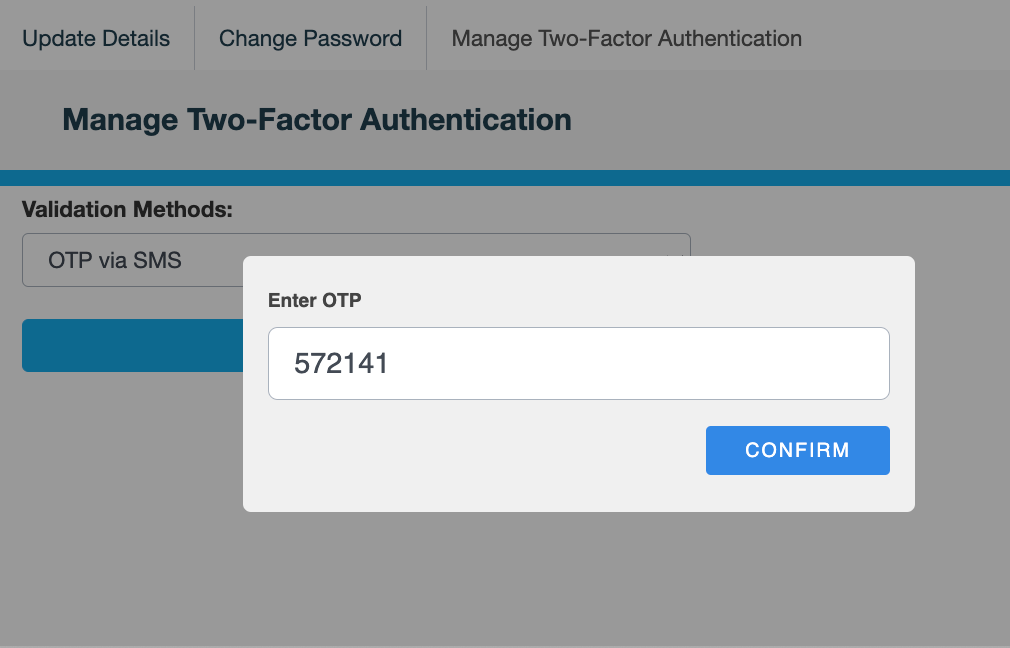
In the Enter OTP dialog, enter the code sent by text message to your phone, then click CONFIRM. The OTP is valid for 3 minutes.
The following message is displayed:
Validation Method Updated
Also see