
-
On the AMS menu, click Terminals > Access Profiles.
-
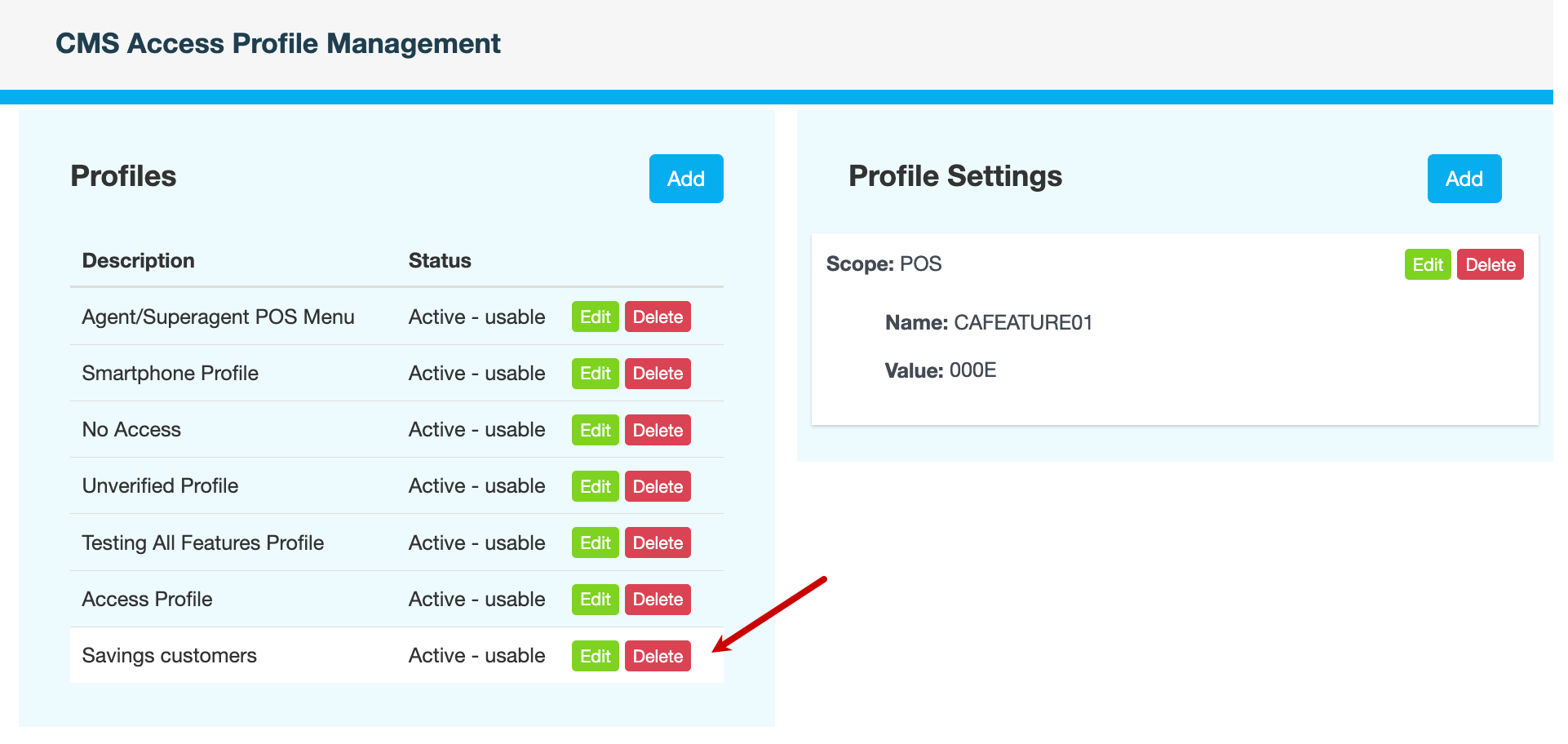
Under Profiles, click Edit next to the profile you want to rename. In this example, we will rename the access profile Savings customers to Savings.
-
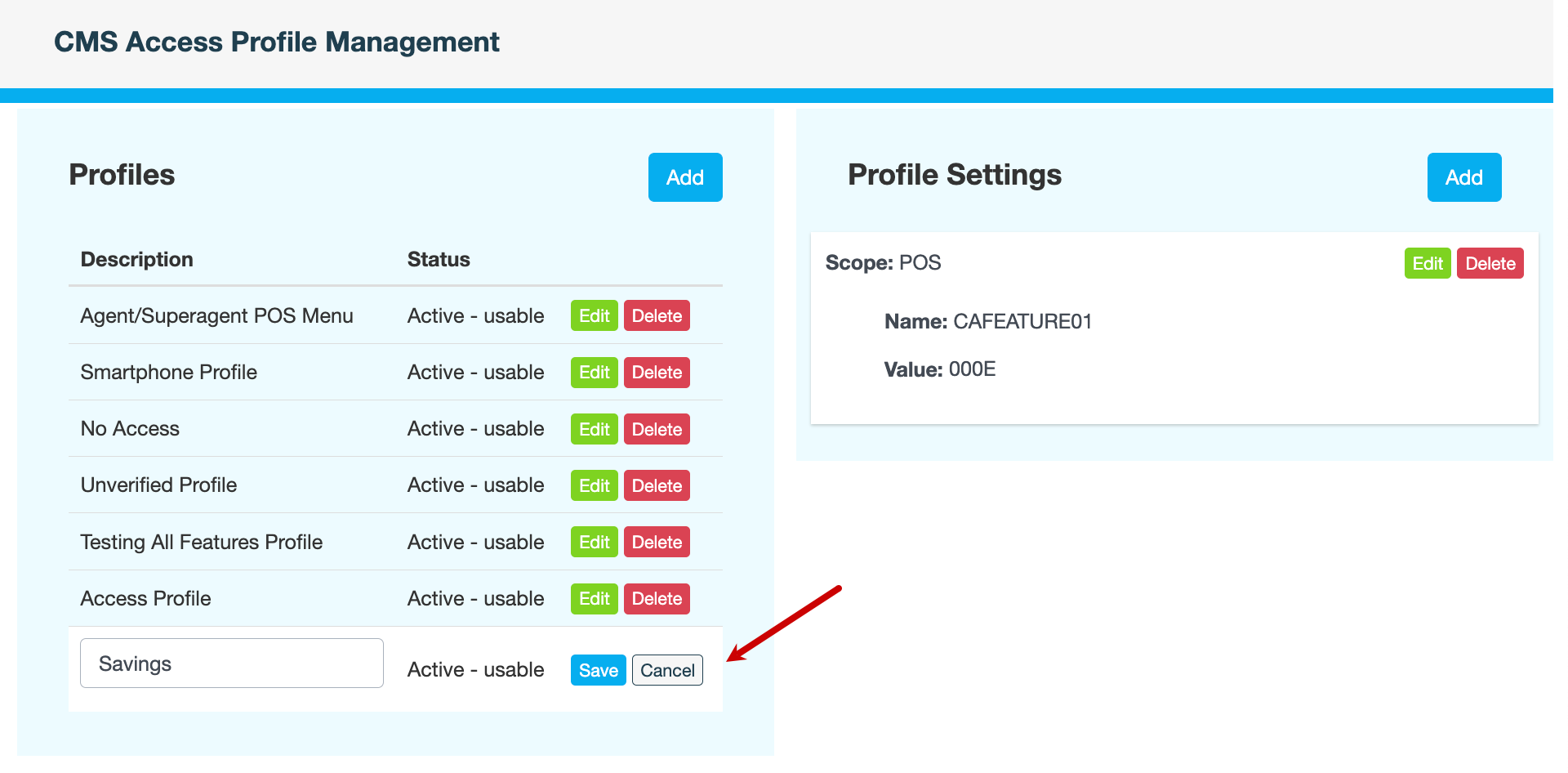
In the Description field, update the name of the profile, then click Save.
-
Enter a reason for renaming the access profile, then click CONFIRM.
Also see