
You can customise which customer notifications are switched on in AMS. If a notification is switched off, customers will not receive it.
-
On the AMS menu, click Admin > Notifications > Notification Settings.
-
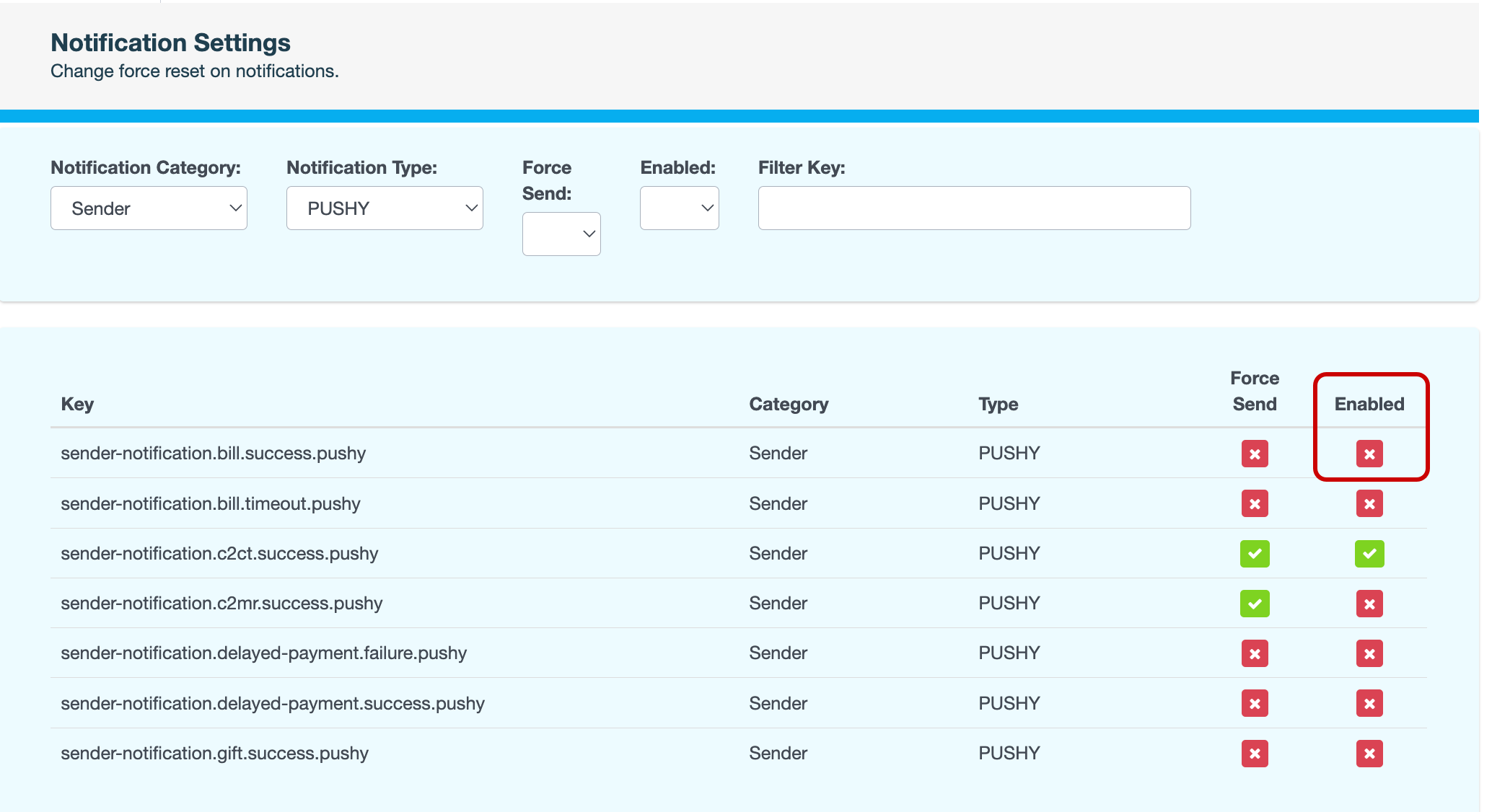
On the Notification Settings page, locate the notification you want to update.
Use the search fields at the top to narrow down the list displayed.
-
In the Enabled column, click the

-
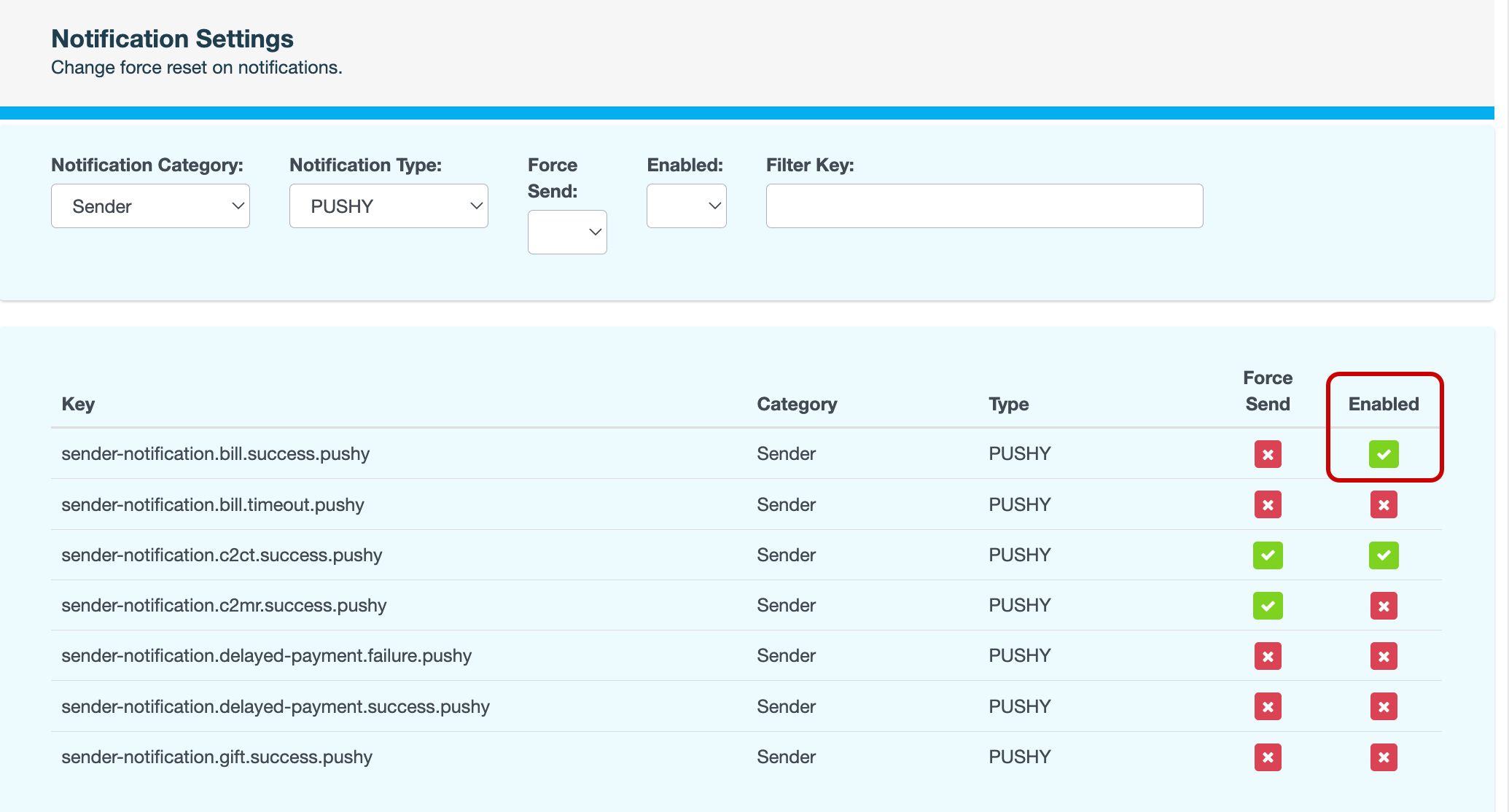
Enter a reason for changing the notification setting, then click CONFIRM. The icon changes to a

Also see