
Before you begin
Set up 2FA using your favourite authentication app.
Logging in with an authentication app
-
Open AMS and enter your Username and Password.
-
On your phone, open your authentication app.
-
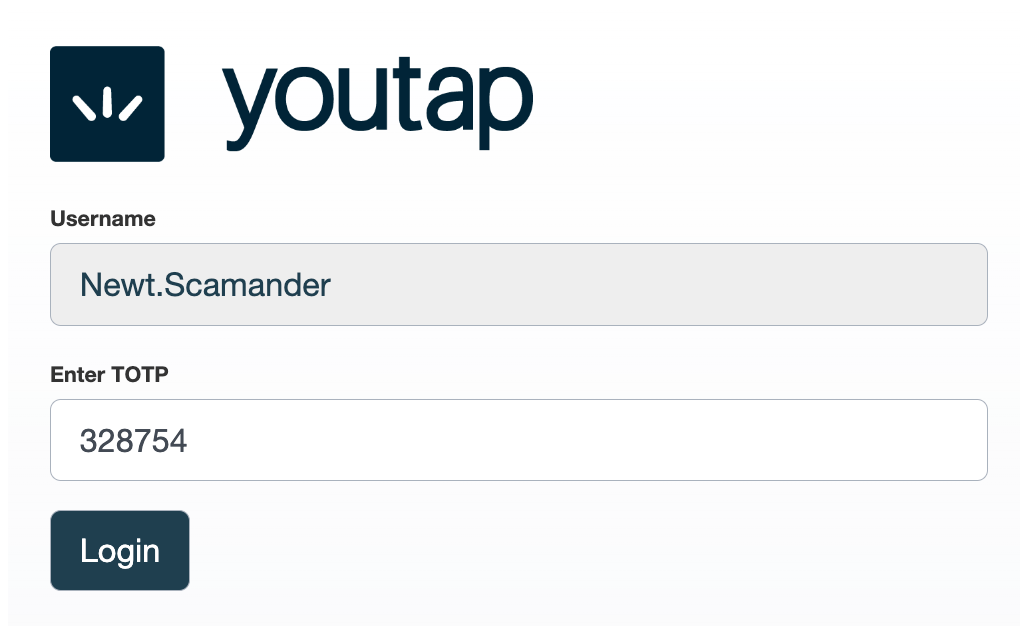
In the Enter TOTP field, enter the 6-digit code displayed in the app, then click Login. The TOTP is usually valid for 30 seconds.
Also see