
You can set a default access profile for each account type.
-
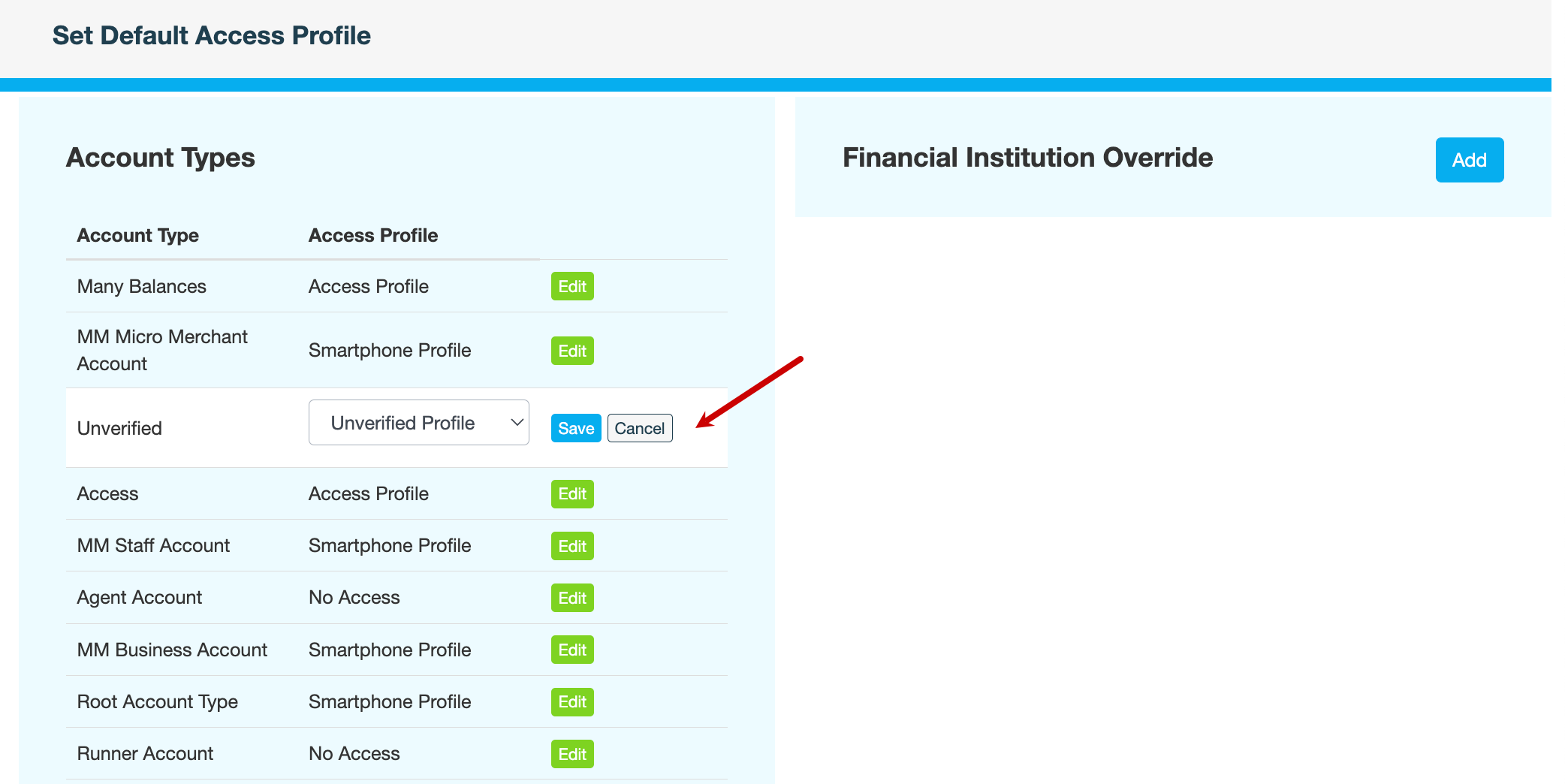
On the AMS menu, click Terminals > Default Access Profiles. The Account Types pane displays a list of the default access profiles assigned to each account type.
-
Click Edit next to the account type whose default profile you want to change.
-
In the Access Profile field, select an access profile, then click Save.
-
Enter a reason for changing the default access profile, then click CONFIRM. The selected profile will now be available to all your customers who have an account of this type.
Also see