
-
On the AMS menu, click Admin > Configuration > Security Questions.
-
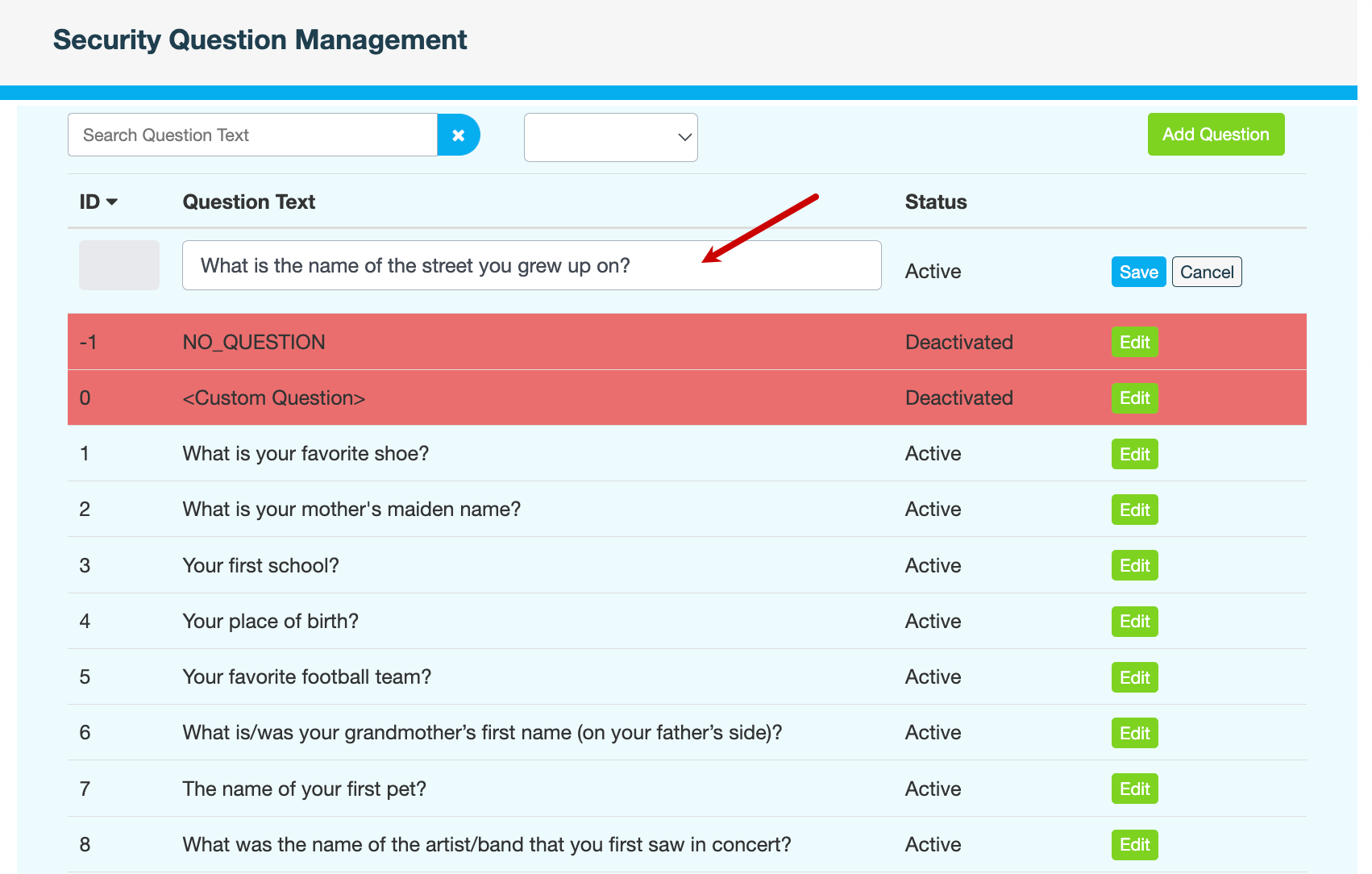
Click Add Question. A new row is added to the top of the list.
-
In the Question Text field, enter your question, then click Save.
-
Enter a reason for adding the question, then click CONFIRM.