-
Find the customer whose transactions you want to review.
-
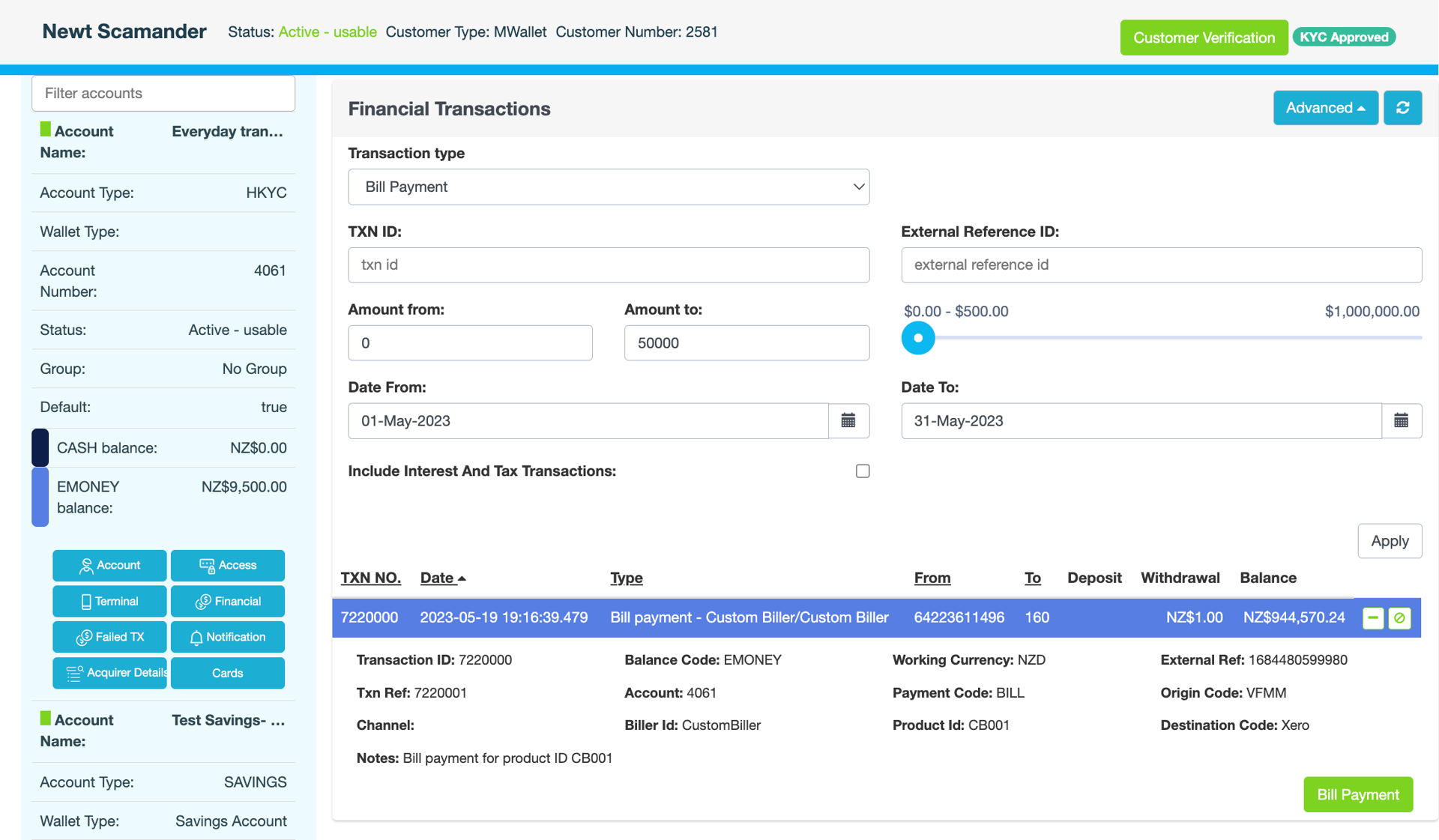
In the blue pane, locate the account, then click Financial.
-
On the Financial Transactions page, click Advanced.
-
Enter your search criteria, then click Apply.
|
Field |
Description |
|---|---|
|
Transaction type |
For example, Bank Deposit, Bank Withdrawal, Transaction Fee, Customer Transfer. |
|
TXN ID |
Internal ID of the financial transaction |
|
External Reference ID |
External ID of the financial transaction. Only applies to third-party transactions such as POLi. |
|
Amount from
|
Amount range in cents. You can use the slider to enter the amount up to which you want to search. |
|
Date From
|
Date range you want to search |
|
Include Interest And Tax Transactions |
Select the checkbox if you want the search results to include interest and withholding tax transactions. |
The search results are displayed.
-
Click

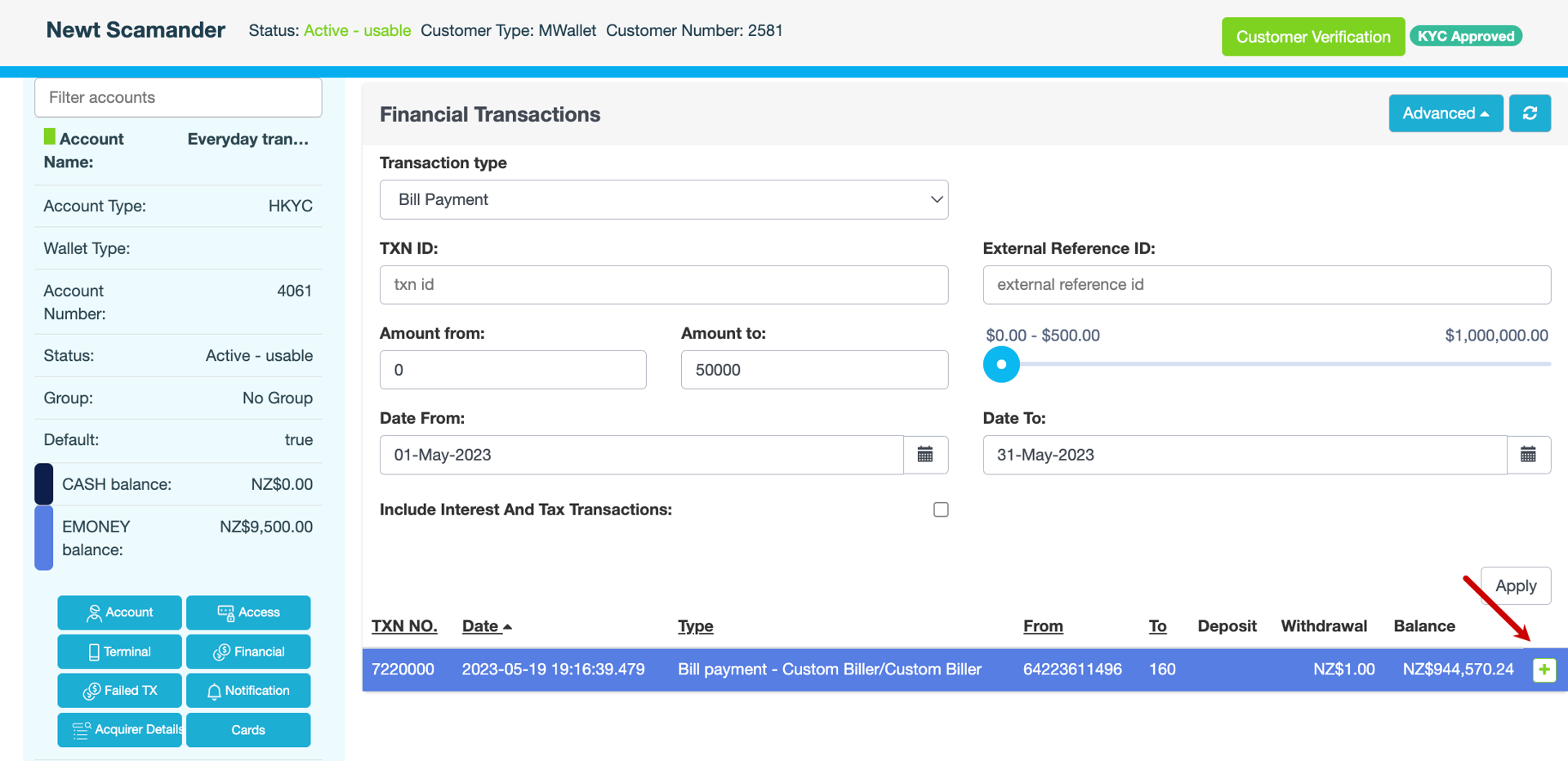
The transaction expands.