
-
Open CMS using the website address you were provided.
-
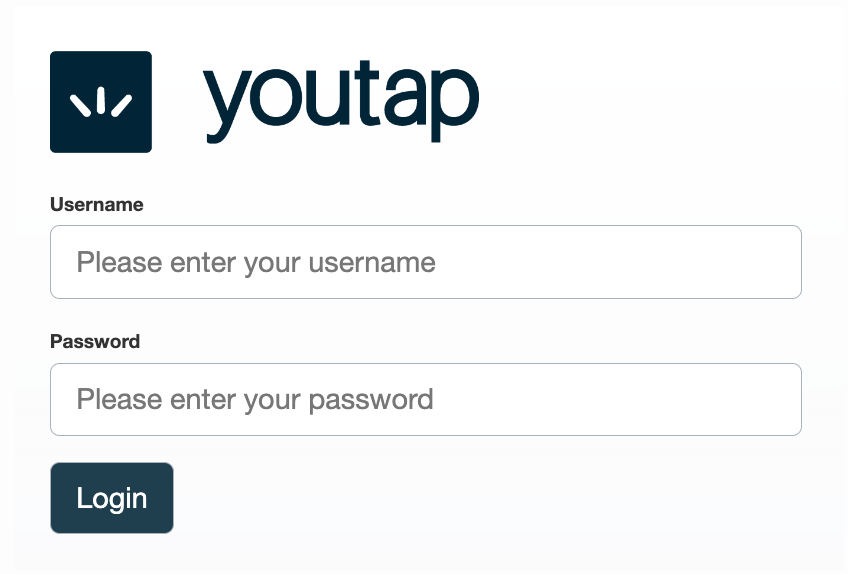
Enter your Username and Password, then click Login.
The Manage Two-Factor Authentication page is displayed with the menu in the left pane.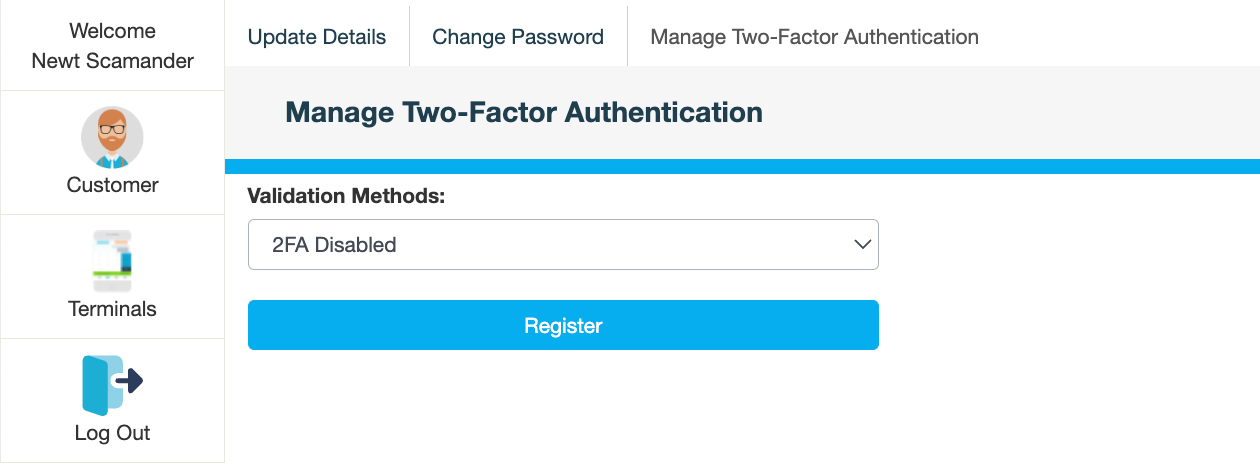
What's next
Open CMS using the website address you were provided.
Enter your Username and Password, then click Login.
The Manage Two-Factor Authentication page is displayed with the menu in the left pane.