
-
Preview your web page.
-
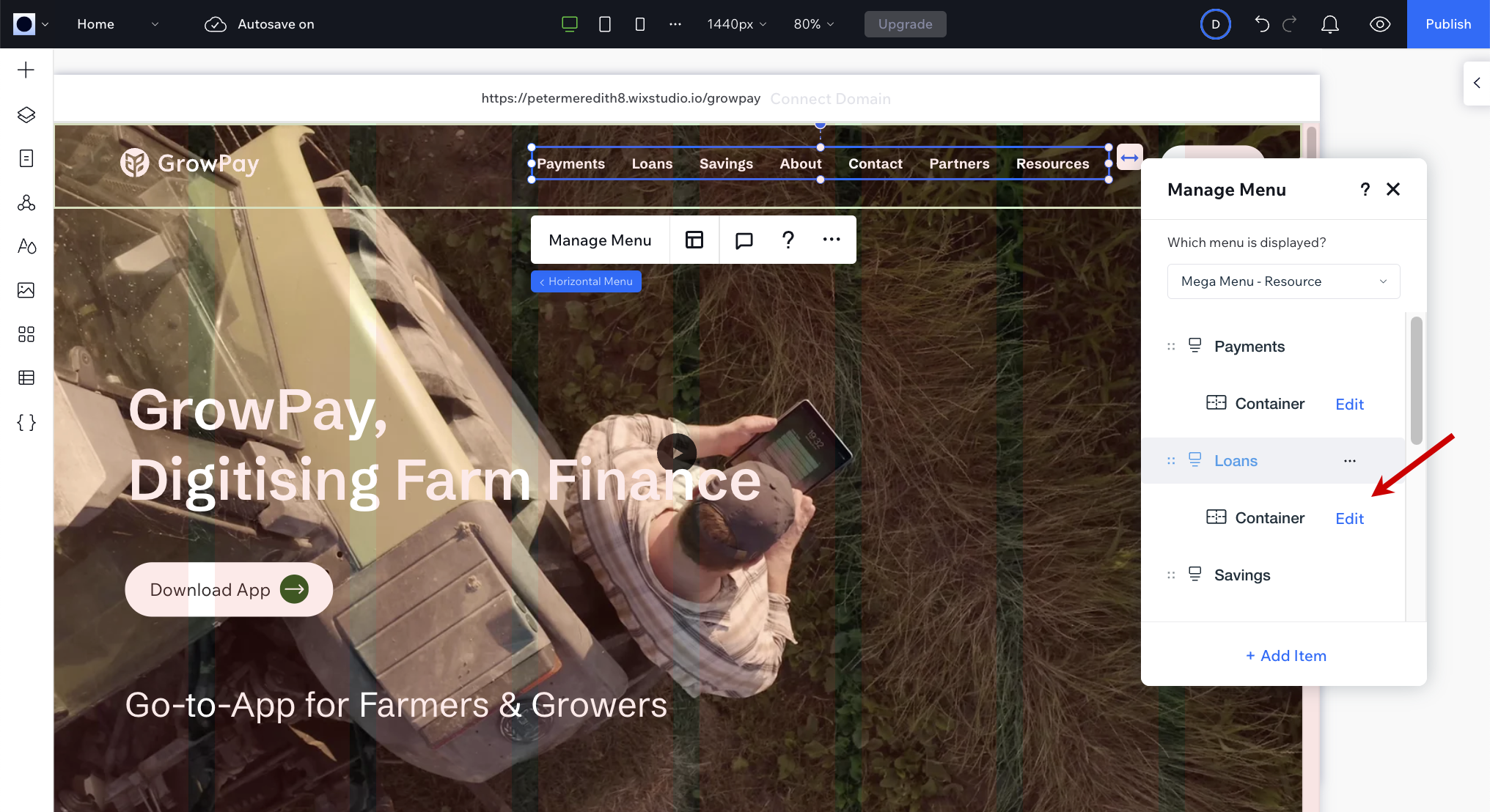
Double-click the menu, on the web page, to open the Manage Menu dialog.
-
Under Loans, click Edit.
-
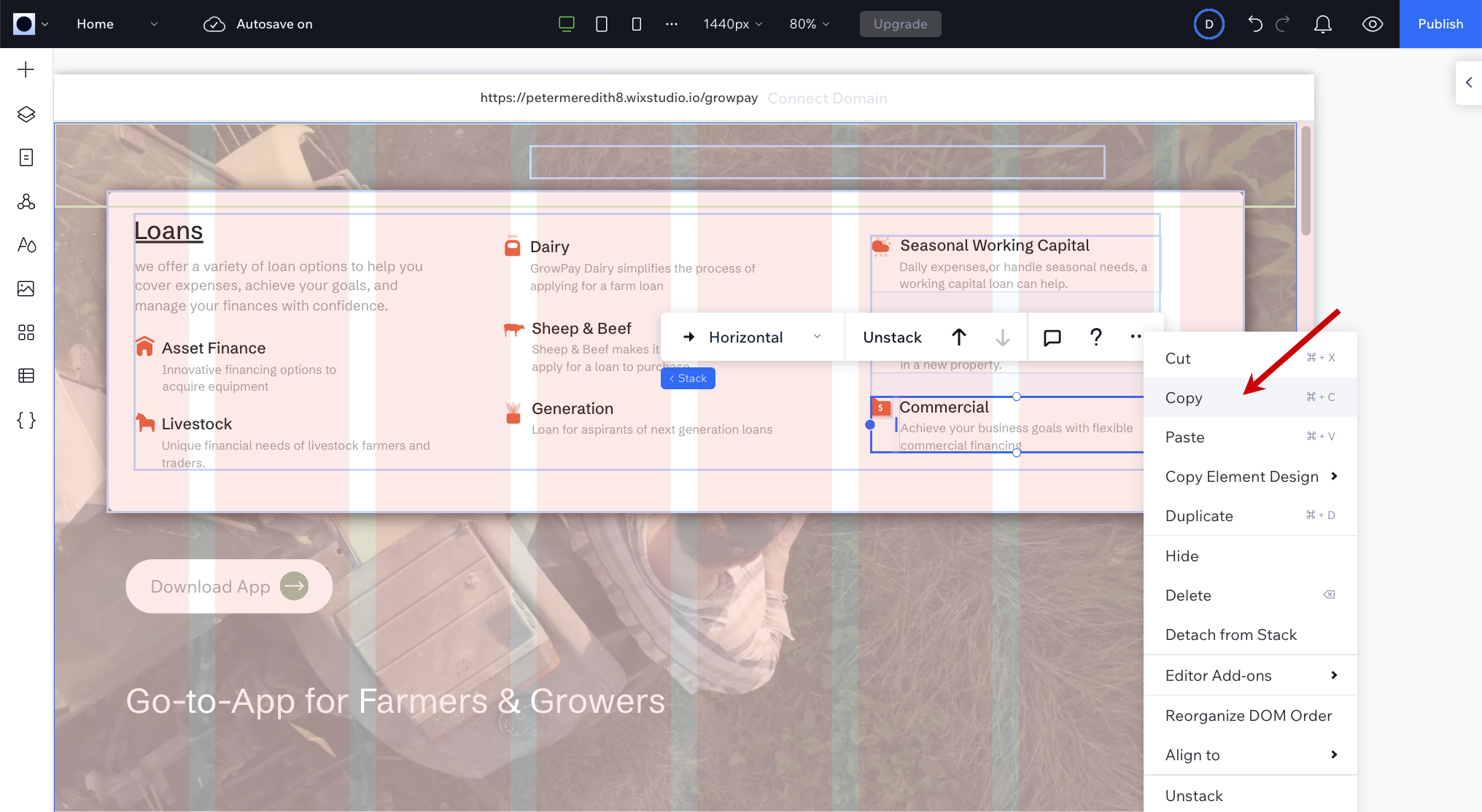
Click the last menu item to select it, then click … > Copy.
-
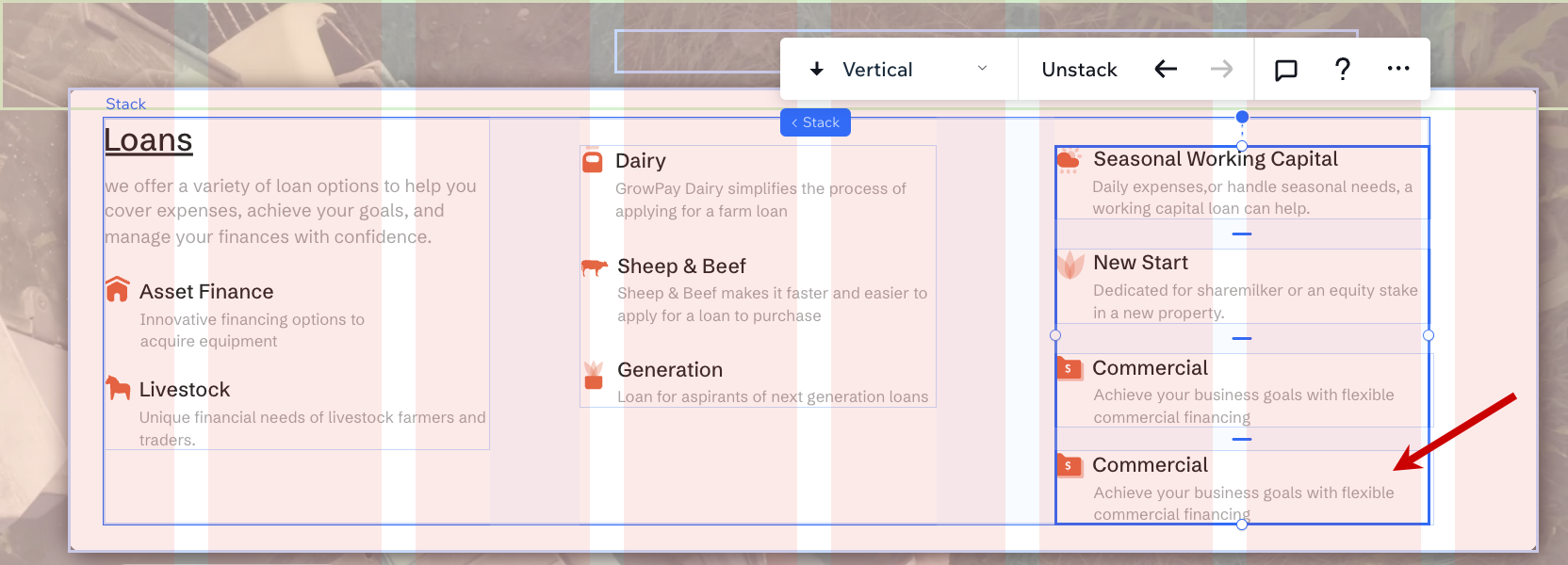
Paste the menu item immediately by clicking … > Paste.
-
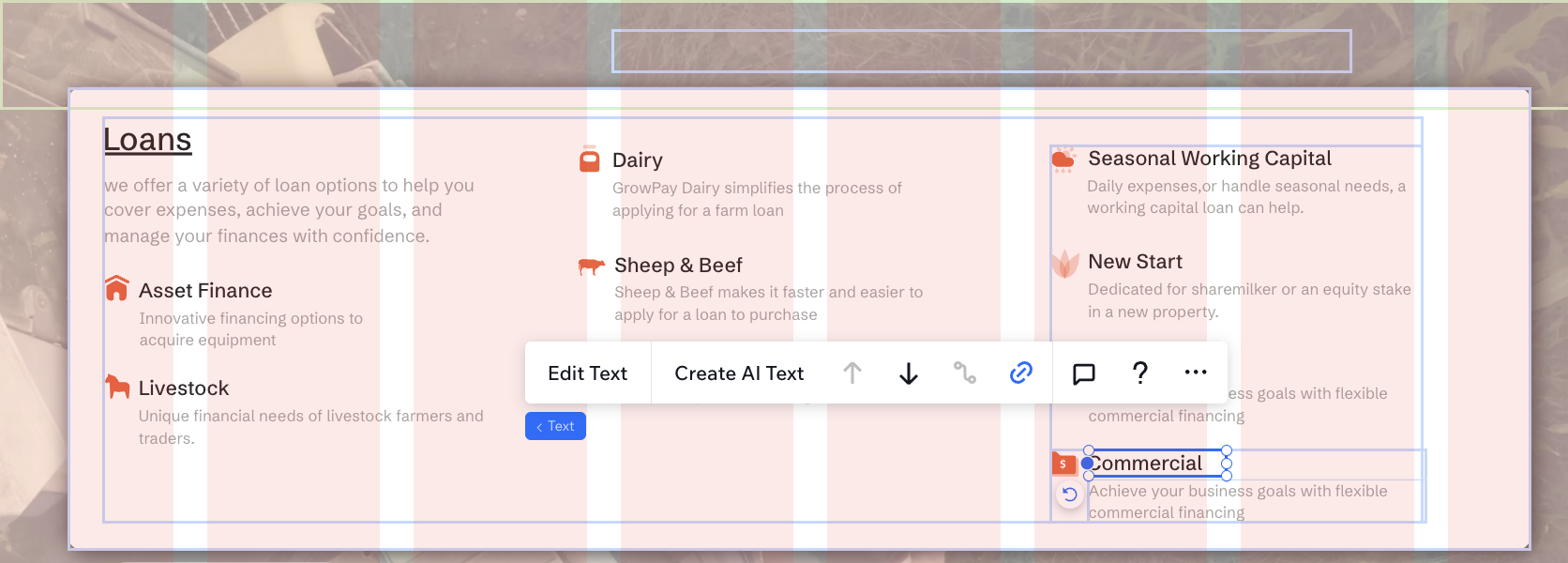
Double-click to edit the heading and description of the new menu item. The description should not exceed 10-14 words.
-
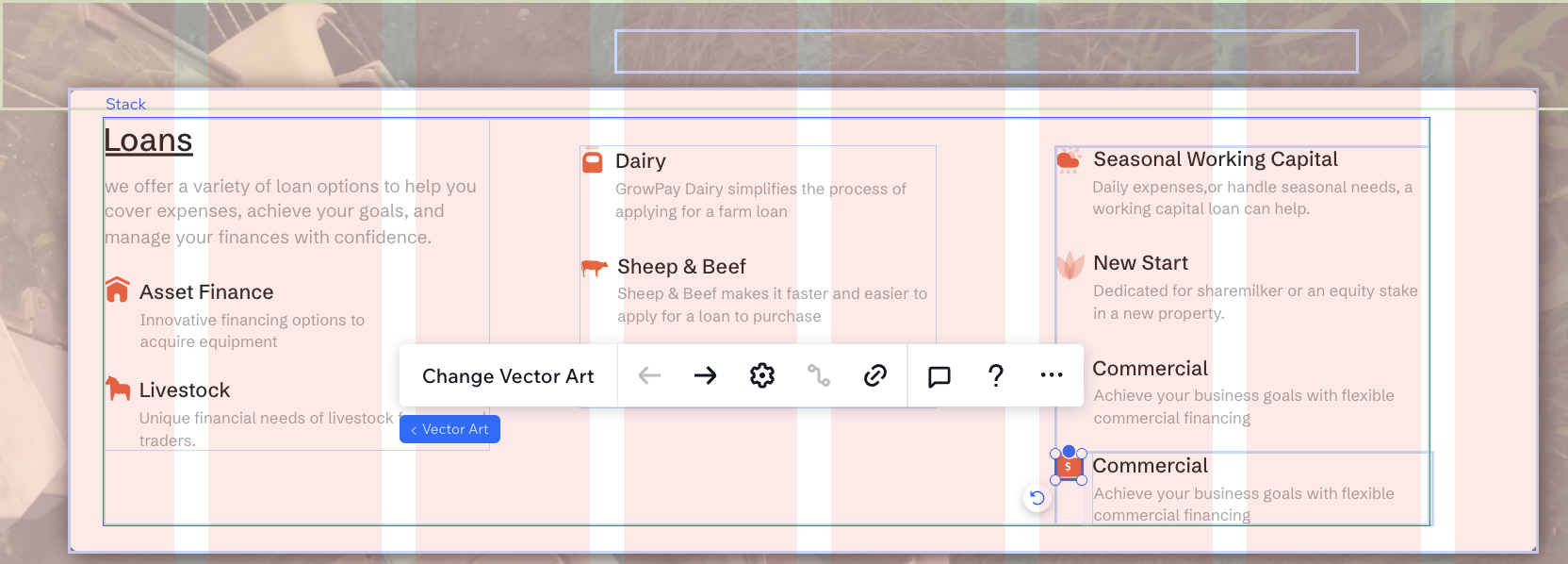
To change the icon of the menu item, click the icon, then click Change Vector Art. For crisp, non-pixelated icons, we recommend using SVG images.
-
If the content exceeds the size of the container, adjust the settings to enable scrolling. Learn how...