
-
On the WIXSTUDIO menu, click Blog.
-
On the right pane, click Create New Post.
-
Enter a captivating title for your blog post.
-
Begin drafting your post.
-
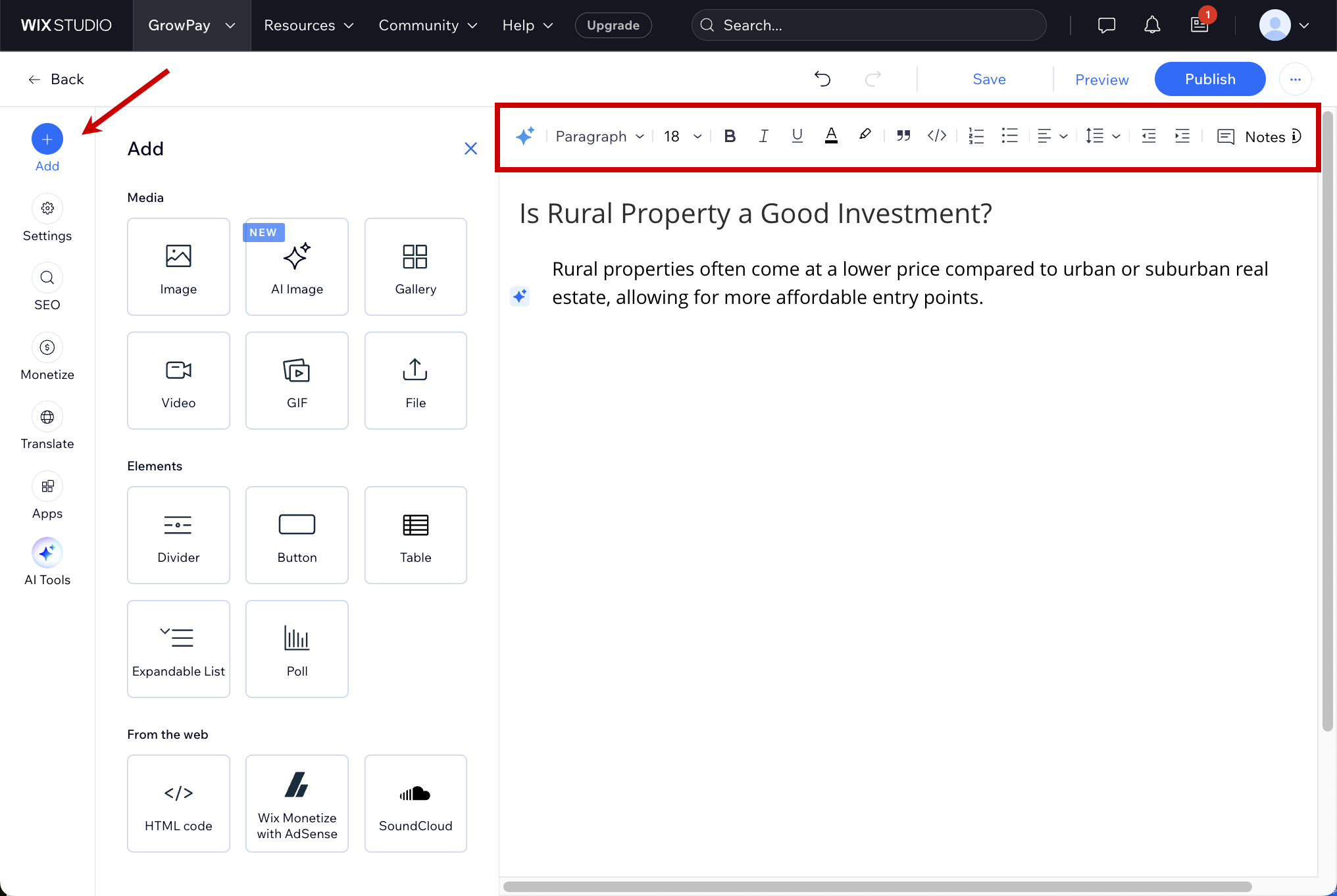
WIXSTUDIO offers a variety of text editing tools to highlight your content.
-
To add images, videos, animated GIFs, tables or buttons, on the left pane, click Add.
-
-
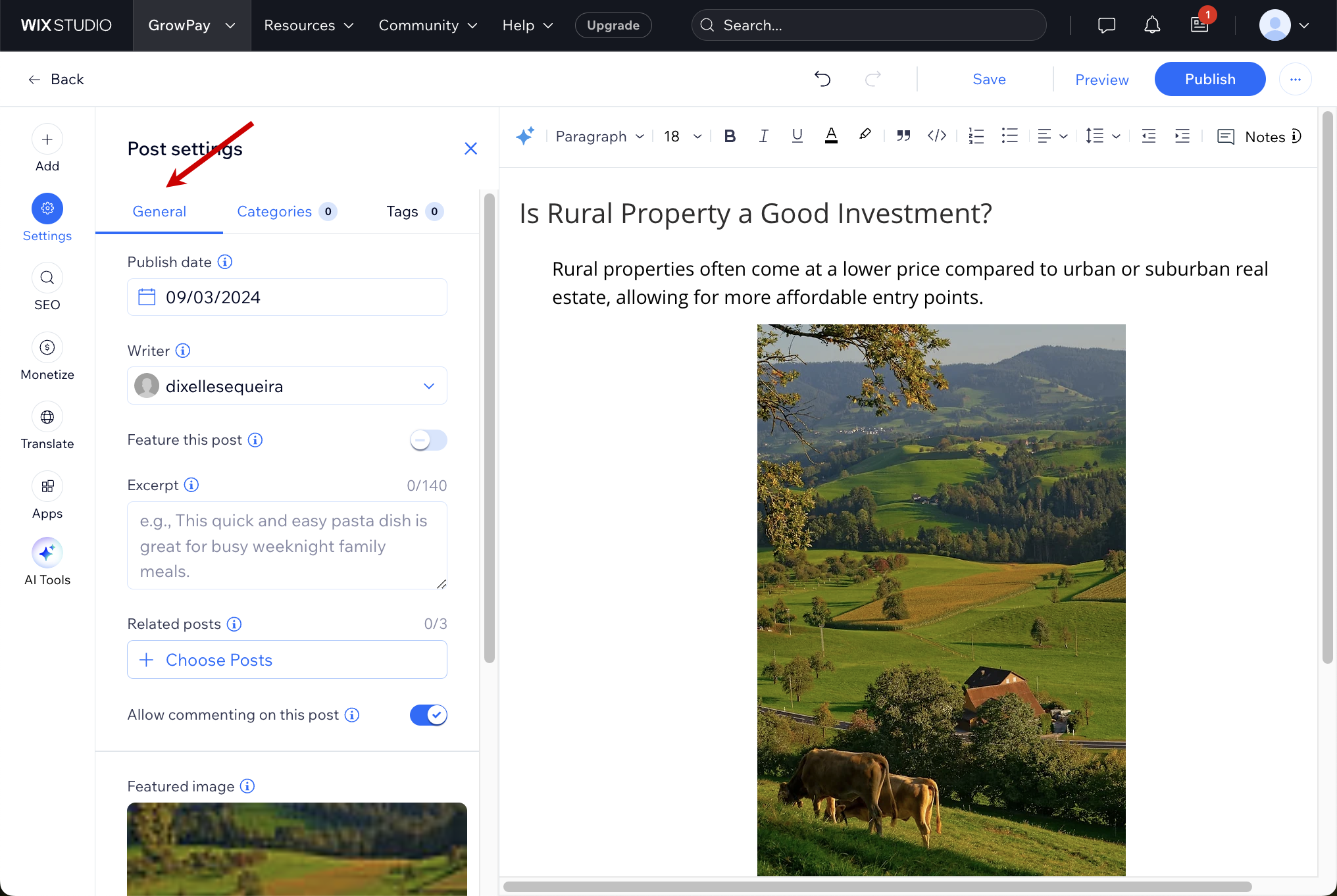
When you have finished, click Settings > General on the left pane to add information such as the date your blog post will go live, author, related posts and images.
-
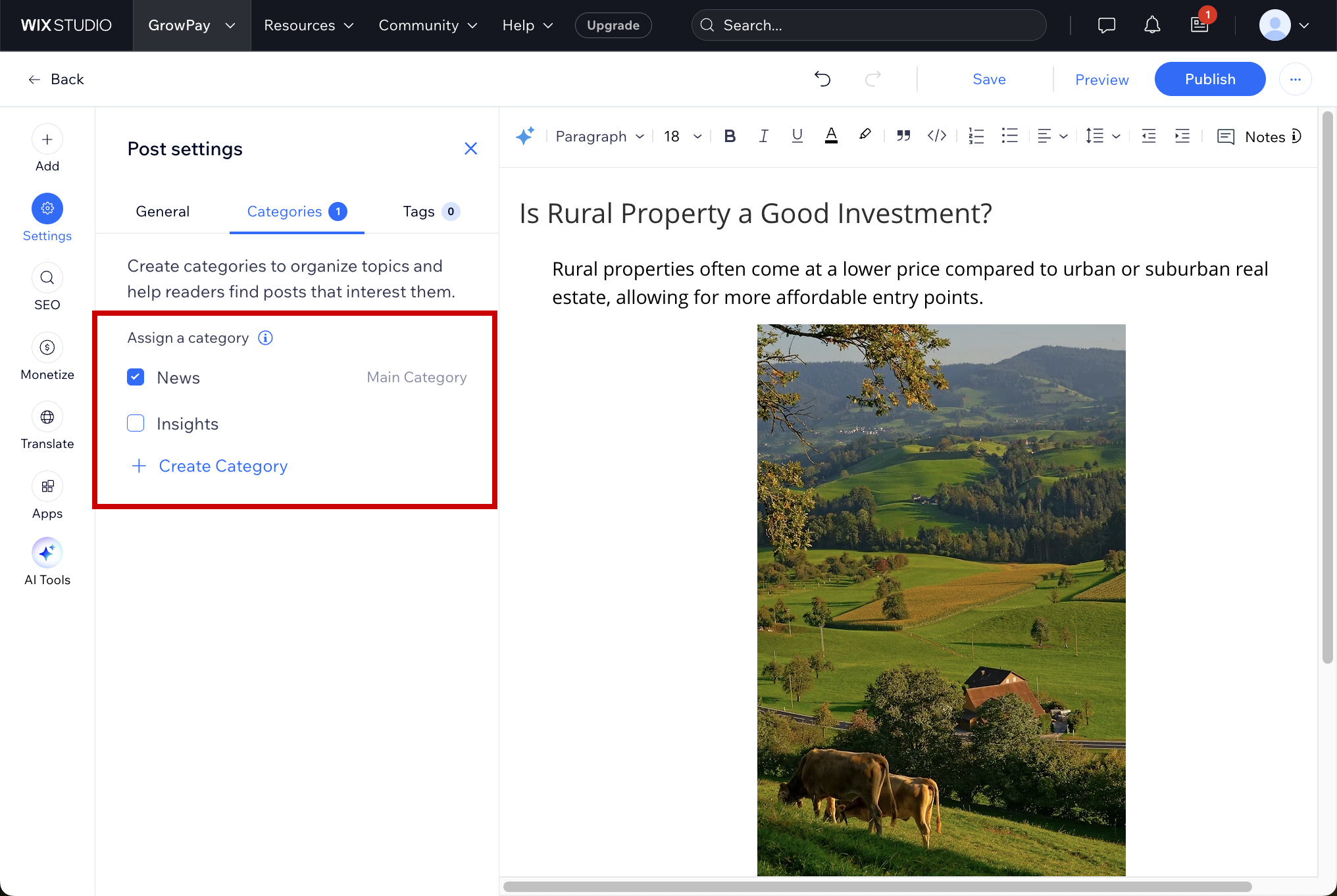
To assign your post to an existing category or create a new one, click Settings > Categories.
-
On the top right, click Preview to view how your post will appear.
-
Once satisfied, click Publish to make your post live.
Also see