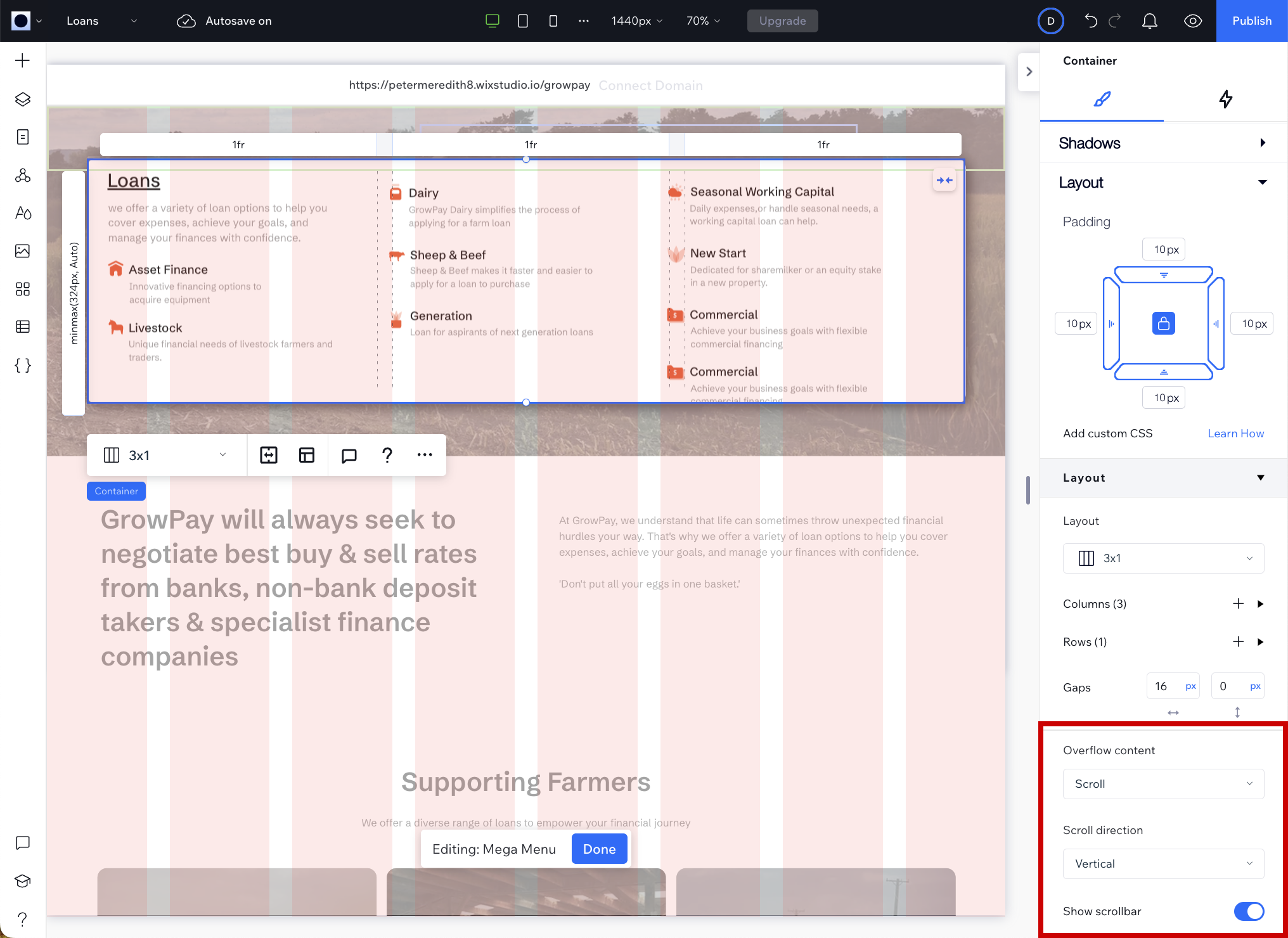
Sometimes the content inside a section exceeds the size of the container and spills over the edges. You can decide what happens to the content that overflows.
Managing overflowing content
-
In Editor X, click the section that is overflowing.
-
On the right pane, expand Layout.
-
In the Overflow content field, select Scroll to enable visitors to view the content by scrolling.
-
In the Scroll direction field, select whether visitors can scroll horizontally, vertically or both.
-
In the Show scrollbar field, choose whether to display the scrollbar.